Changelog

Follow new updates and improvements to OneBot.

Version 2.50.20

The latest release brings a fresh batch of improvements aimed at enhancing both workflow efficiency and the overall interface experience.

A key improvement is the introduction of Blocks, repeatable flows that can be used across all Workflows. This simplification improves usability without sacrificing power.

UI refinements continue to roll out with small but meaningful touches, such as a new case button and updated icons that align with the evolving design direction.

We've also tightened up some visual inconsistencies—avatar uploads now respect aspect ratios, misaligned workflow icons have been corrected, and password buttons behave more intuitively based on actual input.

On the admin front, configurable session timeouts and transcript retention policies give greater control over security and data lifecycle management. Meanwhile, a subtle but helpful tweak ensures that step selection searches trigger immediately when typing—no extra clicks needed.

This update is packed with practical enhancements that smooth out rough edges and keep the platform feeling sharp and responsive.
ImprovedFixed

Version 2.48.105

This update brings several improvements and fixes to enhance the OneBot experience.

We've addressed an issue with avatar uploads, ensuring that non-square images now properly fill the available space while retaining their intended aspect ratio. The alignment of step icons has also been corrected, fixing a persistent misalignment that was unrelated to recent UI changes.

For workflow tagging, pressing "Enter" now properly toggles lists open and closed, making navigation smoother. Administrators can now be automatically logged out after a period of inactivity, enhancing security. Additionally, we’ve improved access tracking by logging user sessions for better security monitoring.

The workflow configuration display has been refined, preventing layout shifts on smaller screens. In the card creation process, a new dialog simplifies adding cards with predefined formats, replacing the previous dropdown. Typing in step selection now automatically triggers a search, reducing unnecessary clicks.

For password management, the config page now visually indicates whether a password has been set and updates buttons accordingly. Lastly, a fix ensures that collapsed tag control dropdowns expand automatically when searching, improving workflow efficiency.

ImprovedFixed

Version 2.48.85

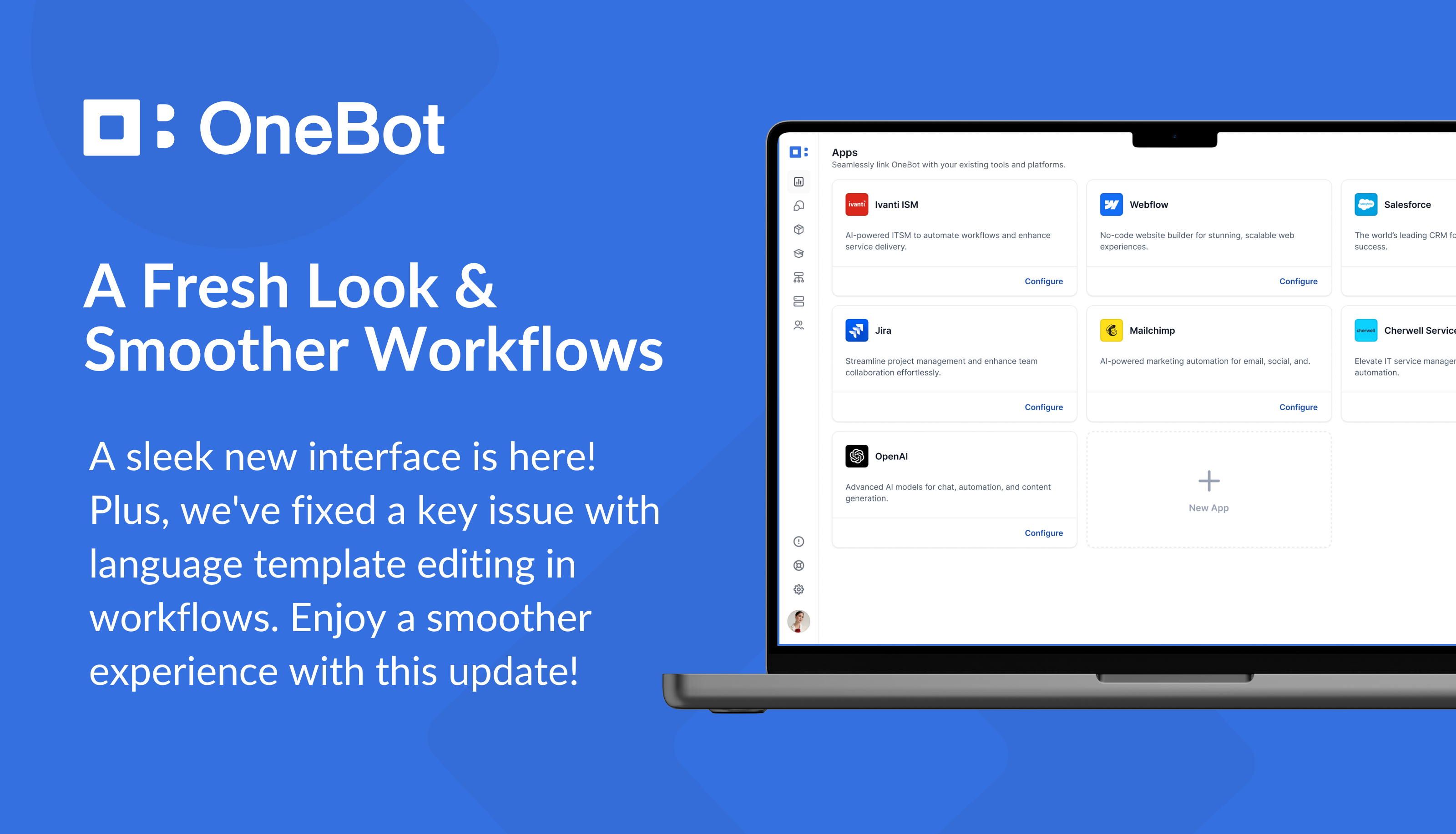
This update brings key fixes and a fresh navigation experience. We've resolved an issue that previously prevented language templates from being edited when modifying a card in workflows. Additionally, a brand-new interface navigation system has been introduced to improve usability.

Recent fixes include addressing a crash related to the "Add to card carousel" step, ensuring a smoother workflow. We've set a minimum value for the ‘Workflow Editor Idle Time Out’ to prevent configuration issues. Improvements to the card designer have been made, including fixing crashes when no template is selected and ensuring the card type dropdown works correctly.

Administration settings now default empty values to the minimum allowed, and system configuration no longer permits saving empty values. Workflow enhancements continue with better icon alignment and improved draft dialog messages. The widget hover info has been refined with a smaller, rounded design, and date formats are now localised. Additionally, checkboxes have been removed from tables where they don’t belong, and tag control dropdowns now show all relevant steps when typing three or more characters.

These refinements enhance stability and user experience, ensuring a smoother and more reliable OneBot platform.

NewFixed

Earlier updates